Skip to content
v1.1.0 · Released

Tala

Pagtatala, made simple.

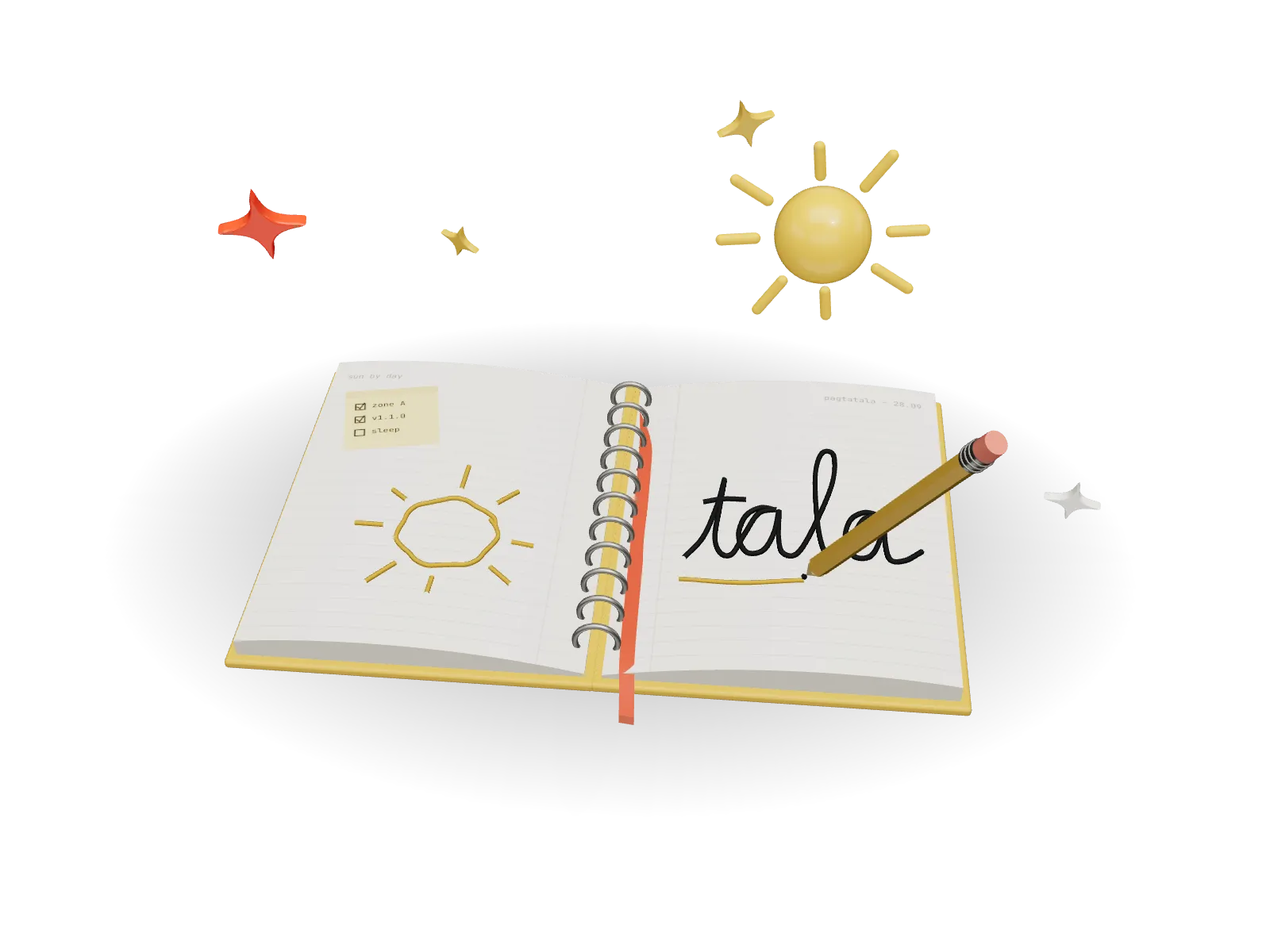
A local-first note-taking app inspired by the Filipino concept of pagtatala — recording thoughts, ideas and things worth remembering. Rich text, handwriting and imported documents live side by side, with no account and no server. Sun by day, moon by night.

Spec sheet
Version
v1.1.0
Status
Released
Runs on
Windows
Built with
Tauri / React / TypeScript / Vite / Tiptap / Zustand / Dexie / pdf.js
Licence
MIT
Updated
Sep 2026
Tala as a 3D model

Tap for night · drag to turn

Latest release
v1.1.0
Accounts or servers
0
Open source licence
MIT
Pen presets
6
01

15 seconds of Tala

Rendered with Remotion from the same 3D model as above. Sound on — the soundtrack is synthesised, not sampled.

02

The story

Why it exists

Most note apps feel clinical. Tala should feel like writing in a notebook that actually gets you.

Tala began as Notely, a plain note-taking app, and grew an identity rooted in Filipino language and a hand-drawn world. Built with Tauri v2 and React, it keeps everything in IndexedDB on your device. Tiptap handles rich text; a vector ink layer handles handwriting, with gestures that straighten a held line or turn a rough loop into a clean ellipse. Version 1.1.0 added document import — PDFs become a page stack you can annotate and export again with the ink baked in — plus Apple Pencil support and a .zip package format that verifies every file before it writes anything.

03

Features

12 / 12 shipped
  1. 01
    Rich text editing with Tiptap
  2. 02
    Handwriting layer with pen, pencil and highlighter
  3. 03
    Hold-to-shape and scribble-to-erase gestures
  4. 04
    Apple Pencil pressure, tilt and palm rejection
  5. 05
    Import PDF, Word and PowerPoint files
  6. 06
    Annotate PDFs and export them with ink
  7. 07
    Lasso selection, copy, rotate and recolour ink
  8. 08
    Tala .zip packages with SHA-256 checks
  9. 09
    Folders, coloured tags, favourites and pins
  10. 10
    Instant search and a command palette
  11. 11
    Templates and distraction-free mode
  12. 12
    Sun and moon themes, applied before first paint
04

Changelog

All releases

v1.1.0

Sep 2026

Current

Added

  • Document import: PDF, DOCX, PPTX, DOC and PPT
  • PDF page stack with zoom, thumbnails, reorder, rotate, ink and export
  • Handwriting gestures: hold-to-straighten, hold-to-shape, scribble erase
  • Editable vector shapes with resize and rotate handles
  • Tala .zip packages with manifest and SHA-256 validation
  • Floating pen tray for touch and iPad
  • Lasso selection and ink actions: duplicate, copy, cut, paste, rotate, recolour
  • Apple Pencil and stylus: tilt, hover ring, palm rejection
  • Text font family, size and alignment

Changed

  • One adaptive editor toolbar that follows what you're doing
  • Draw popover replaces the radial pen wheel
  • Database schema v3 adds documents, assets and page ink

Fixed

  • Bullet and numbered lists render real markers
  • Duplicate underline extension registration removed

v1.0.1

Aug 2026

Added

  • Six named pen presets
  • Multi-select mode with batch actions
  • Long-press note preview
  • Share action in the context menu
  • Grid card context menu
  • Inline width dots in the pen toolbar

Fixed

  • Pen toolbar width dots skipping index 3
  • Tool switching clobbering the active preset
  • Long-press timer leak on unmount
  • Escape not exiting multi-select
  • Stale selections after search or filter
  • Preview card hidden behind the mobile nav
  • Dropdown menus clipping near the viewport edge

v1.0.0

Aug 2026

Added

  • Rich text editing with Tiptap
  • Handwriting layer with pen, pencil, highlighter and eraser
  • Folders and tags
  • Favourites, pinning, archive and trash
  • Search across all notes
  • List, grid, comfort and compact views
  • Light, dark and system themes
  • JSON backup and restore
  • Onboarding, focus mode, shortcuts and a command palette
05

Download

Windows

Windows 10 / 11 · x64

v1.1.0 · 6.2 MB

Download

macOS

Apple Silicon · ARM64

Not yet available

Coming soon

Linux

x86_64 · AppImage / DEB / RPM

Not yet available

Coming soon
Next projectPARADAKnow which zone has space before you drive in.